See Any Print on Your Wall Before You Buy
Jun 02, 2026
See It on Your Wall First
There’s a moment I’ve watched play out more times than I can count. Someone falls hard for an image — a Tahoe sunset, the Truckee River in fall color, peaks above Donner — and then they get quiet, look at the empty wall in their mind, and ask the question that stops a lot of people cold: “But what size do I need, and will it even look right in my room?”
For years that was the hardest part of buying art at a distance. You can hold up a tape measure and tape some paper to the wall, but it’s never quite the same as seeing it. So when the Live Preview tool showed up on my site, I’ll admit I was a little skeptical — right up until I tried it myself and stood there grinning at one of my prints hanging on a wall that, a second earlier, had been completely bare.
Here’s what it does: it uses the camera already in your phone or tablet to show any of my images on your actual wall, at close to real-world scale. Your wall, your light, your furniture — not a stock photo of someone else’s living room. Nothing to download, no account to make. You just tap a button and point. A fair word up front, because I never want anyone surprised: the size it shows is a very good estimate, not an exact measurement — and I’ll come back to that, because it matters.
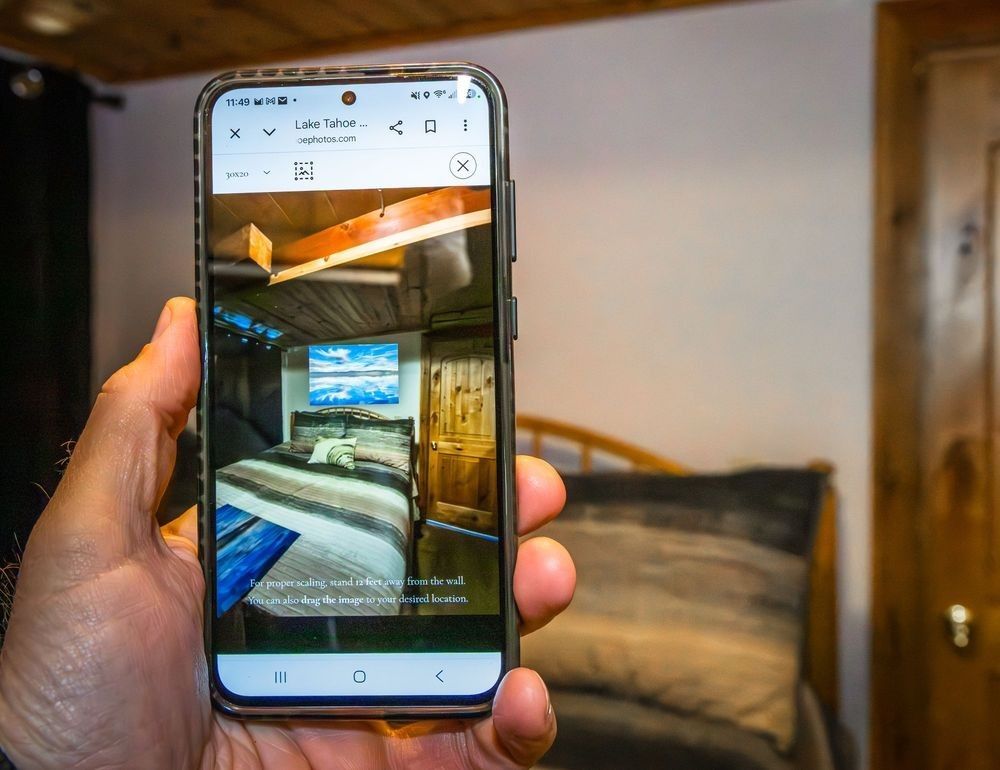
Hold up your phone and the print appears on your wall — this is Live Preview doing its thing.
Finding it is the easy part
You don’t have to go hunting. On every print page, just below the image, there’s a little row of tools — and the first one, Live Preview AR, is the one you want. Tap it, allow the camera when your phone asks, and point it at the wall. That’s the whole trick.
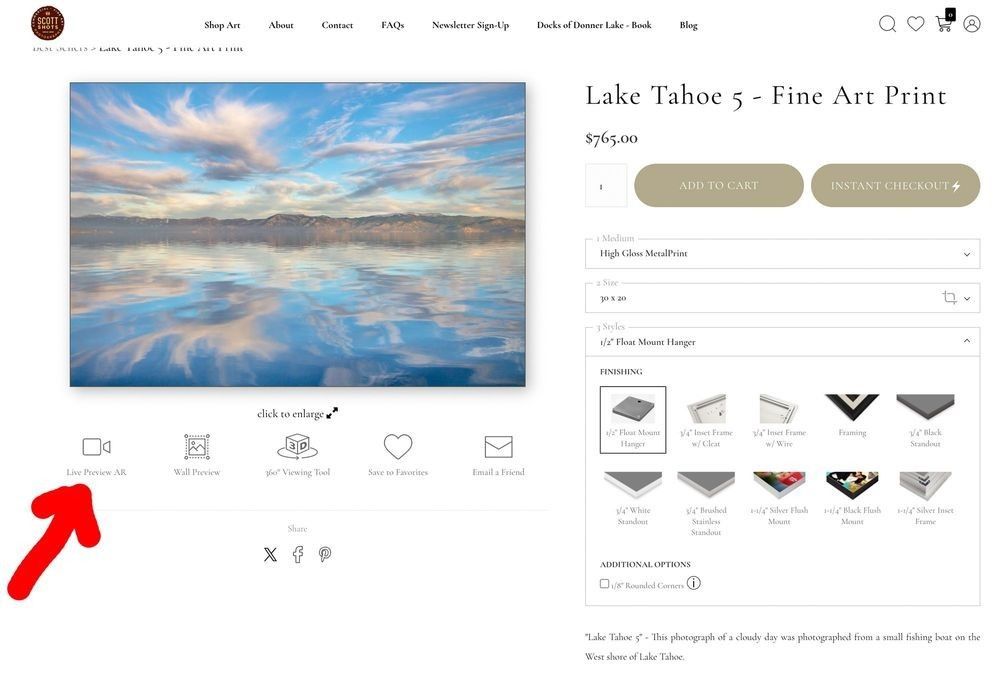
Look just under the image — “Live Preview AR” is the first tool in the row (red arrow).
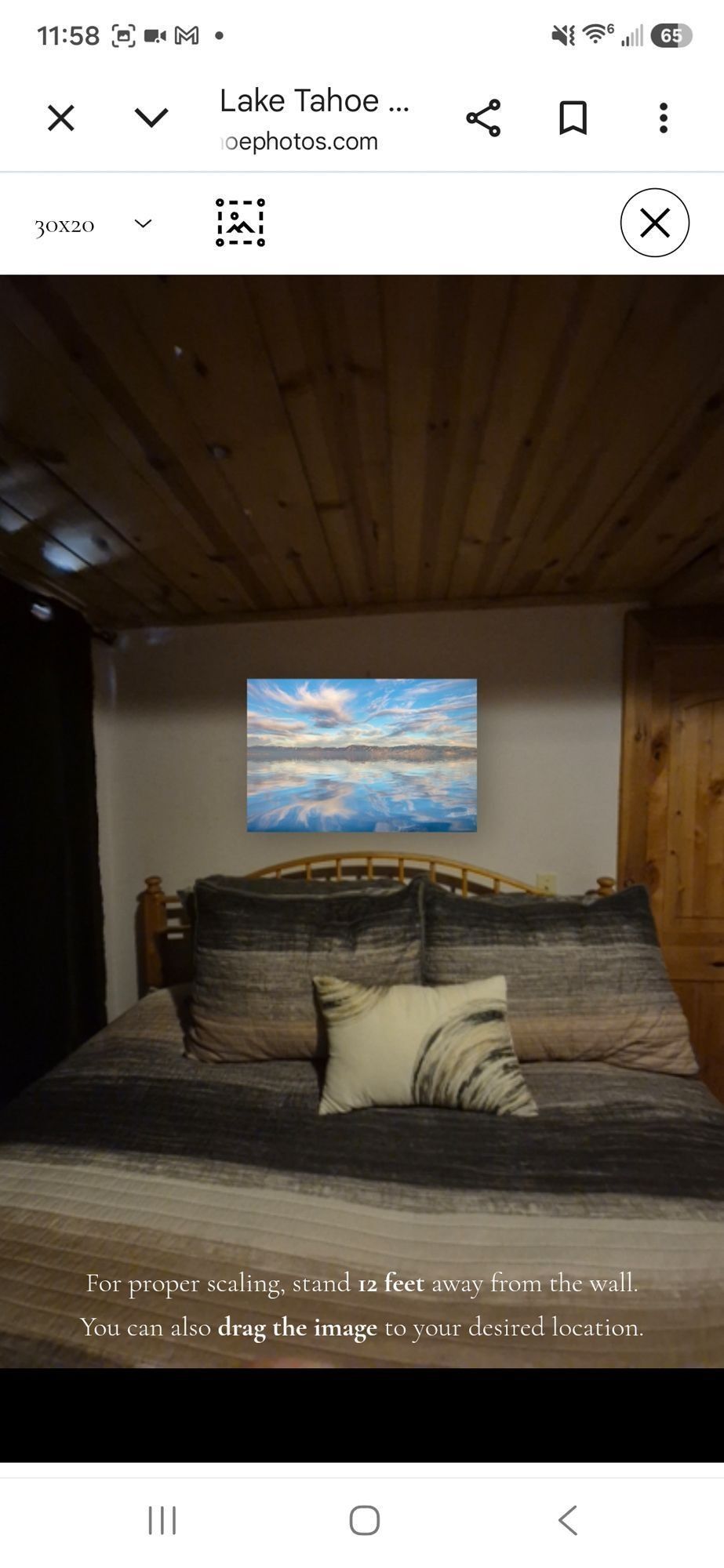
Pick a size up top, then stand back about 12 feet so it scales as accurately as possible.
Where it really earns its keep
It’s the size question where this thing really helps. Large pieces are the ones people second-guess the most — and the ones most often ordered too small. With Live Preview you can pick the exact spot above the sofa or the bed and step through the sizes to get a real feel for how each one fills the wall. Seeing a 30-inch print and a 48-inch print in the same spot tells you so much more than a number on a screen ever could. I’ve watched people change their minds — and go bigger — right there, simply because they could finally picture it.
Now let me be straight with you, because this is the part I never want a customer to skip. The size Live Preview shows is an estimate. How close it lands depends on your phone, its lens, and how far back you’re standing — the tool even asks you to stand about 12 feet from the wall to help it scale, and it still works better on some phones than others. It’s a wonderful way to feel how a piece will sit in a room. It is not a substitute for measuring.
So here’s my rule, the same one I use myself: once the preview helps you land on a size, grab a tape measure, mark that exact width and height on the wall with a little masking or painter’s tape, and step back. Those taped lines tell you the truth. The preview shows you the feeling; the tape measure confirms the fit — and on a big piece, that five-minute check is the difference between “perfect” and “I wish I’d measured.”
Here’s how that played out on my own bedroom wall — a bare spot, and then the finished piece, sized exactly the way the preview and the tape measure agreed it should be:
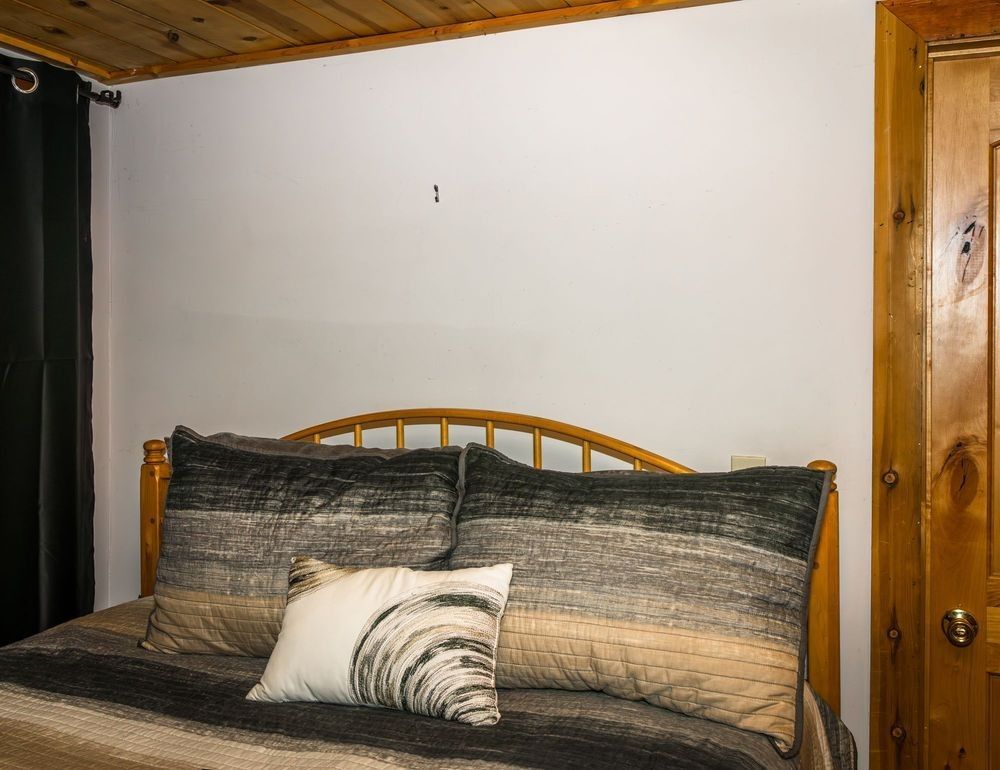
Before: the bare wall.
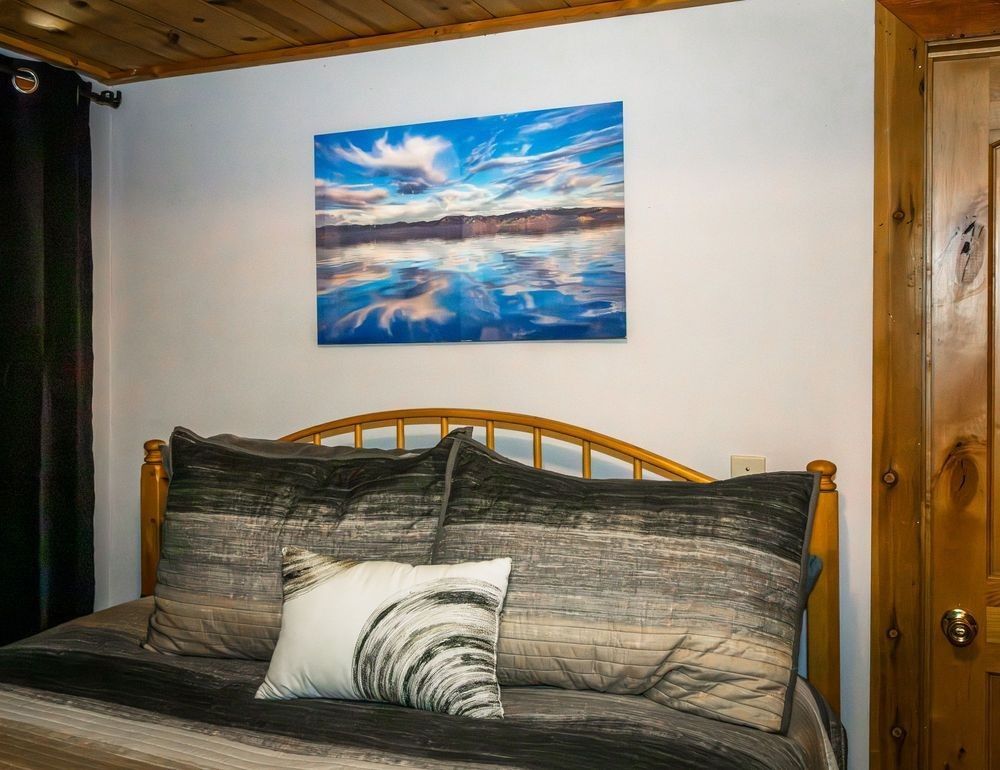
After: the 20″ × 30″ metal in exactly the right spot.
And recently a customer left a review that captured the whole thing better than I could:
“Wow! Thanks to Scott’s website that allows you to project any of his images onto your wall in your house, I was able to find the perfect photo for my living room. We must have looked at 50 different photos and his website tool made it so easy for us to keep searching until we found the perfect photo for that wall!! What a great tool to offer your customers!!! Thanks Scott!!”
— Taylor Russo, Google review ★★★★★
Fifty photos, one perfect wall. That’s exactly the kind of search the tool is built for.
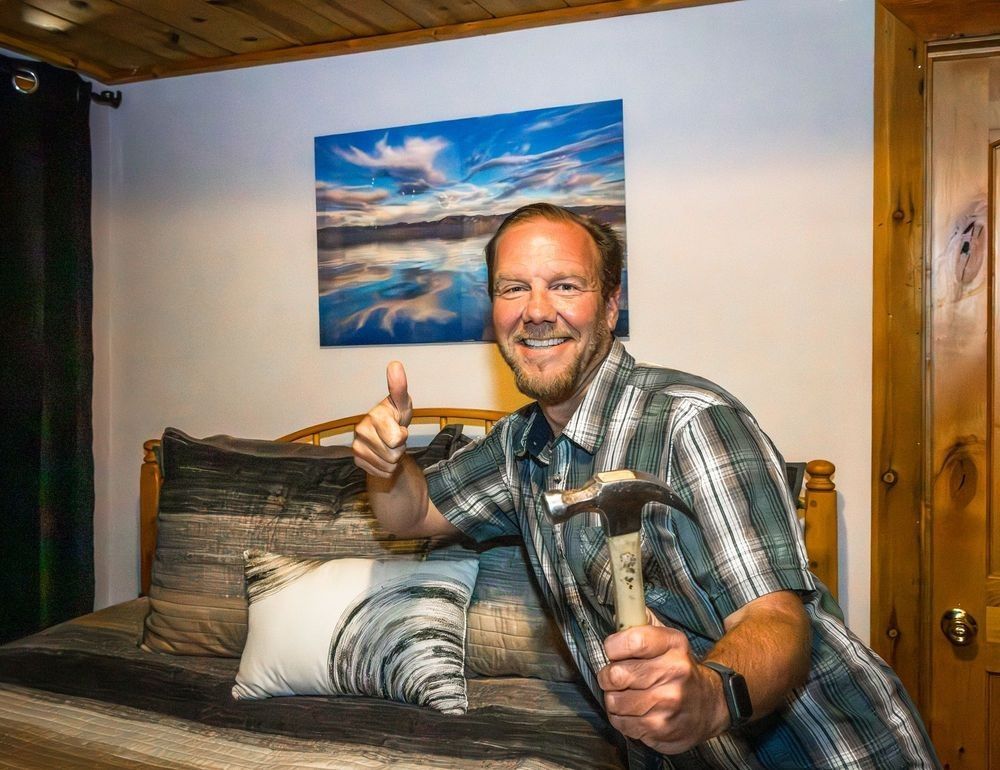
And here I am with the finished piece — previewed, measured, and finally on the wall.
Give it a try
Next time you’re browsing the galleries and an image stops you, open it and look for the Live Preview AR button. Allow the camera, point it at your wall, and play with the size until it’s right. It’s honestly kind of fun — my warning is that you may end up wanting more than one.
If you’d like the full walk-through, I put together a simple step-by-step guide here: How to Use the Live Preview Tool. And if you ever want a second opinion on sizing for a particular space, just send me a note — helping folks find the right piece for the right wall is one of my favorite parts of this whole thing.
See you out there — and on your wall.
P.S. — If those big, painterly pieces are calling to you, you might enjoy the story behind my abstract Tahoe work, or you can browse the whole Tahoe Area Abstract Gallery and preview any of them on your wall.